
Create a Storefront Preview
Use this screen to generate a preview of a storefront using a specific Channel and Theme Variation.
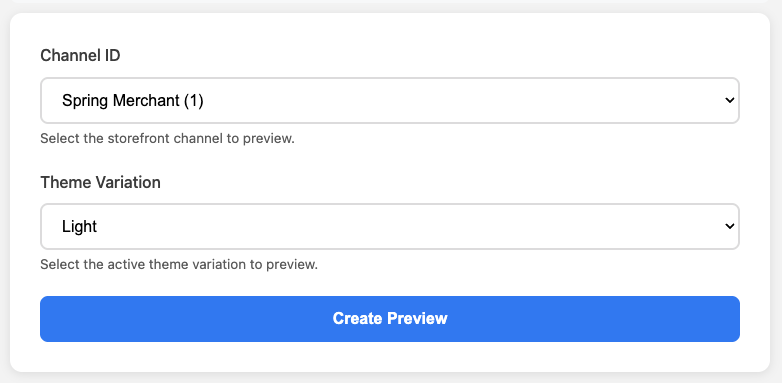
What you see on this screen
- Channel ID (dropdown): Select which storefront channel you want to preview (example shown: Spring Merchant (1)).
- Theme Variation (dropdown): Select the theme style to preview (example shown: Light).
- Create Preview (button): Generates the preview using the selected options.
Steps to create a preview
- Open the Channel ID dropdown.
- Select the storefront channel you want to preview (e.g., Spring Merchant (1)).
- Open the Theme Variation dropdown.
- Select the theme variation you want to preview (e.g., Light).
- Click Create Preview.
Tips / Notes
- If you don’t see the channel you expect, confirm you have access to that storefront channel (or that it has been created/assigned).
- Theme variations may differ by channel or environment—if a variation isn’t available, it may not be active for that channel.